Sound without a picture
Backlight, panel-drive and mainboard faults may cause this symptom. Identify the failed section before paying for an expensive screen replacement.
THE REPAIR & CARE JOURNAL
Understand the main components of your tv, the user checks you can make and when to stop and call for help.
Monday–Sunday, 8 AM–8 PM · Visits from ₹500
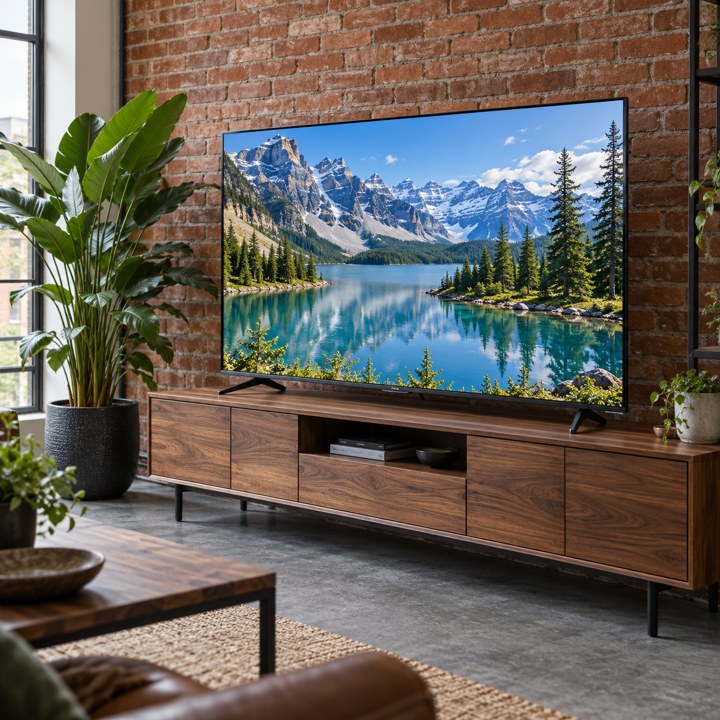
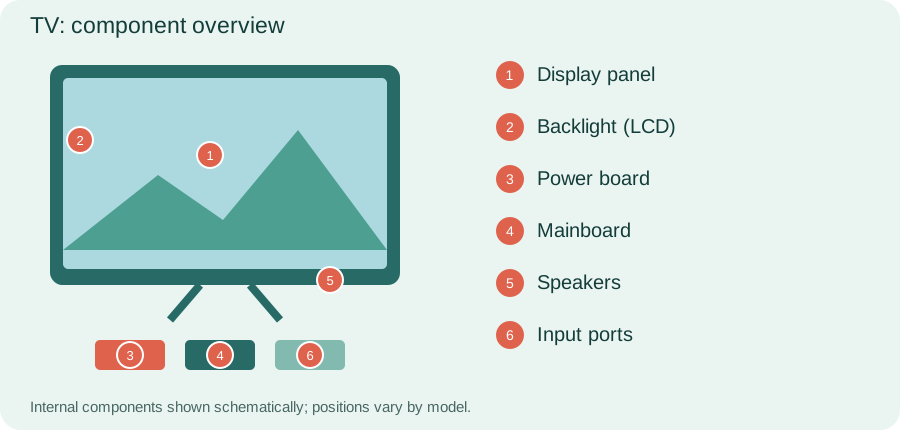
Provide ventilation, select the correct input and update software through the official menu. Use a stable stand or compatible mount. Keep children from pulling cables or climbing furniture, and keep moisture away.
Keep the product manual and model reference where you can find them. Different programmes, accessories and maintenance procedures apply to different models, even within the same brand. Follow the instructions supplied with your appliance.
Use a soft dry microfibre cloth and follow screen-cleaning instructions. Do not spray liquid directly onto the display. Keep ventilation clear and ensure the stand or mount supports the set securely. Ask for help before moving a large television.
Before routine cleaning, stop the appliance and follow its isolation and cooling instructions. Do not remove fixed protective panels. If a task is not described as user maintenance in the manual, arrange professional help.
Backlight, panel-drive and mainboard faults may cause this symptom. Identify the failed section before paying for an expensive screen replacement.
Check whether the standby light appears. Power-board faults and software problems need different tests. Stop using the set if there is a burning smell.
Lines may relate to the panel or its connections. Physical screen damage can make replacement expensive; ask for a quote before committing.
Determine whether the issue affects one app, one HDMI source or every source. This helps separate an external-device issue from a television fault.
Diagnosis starts with the exact symptom and model number. Power, backlight and input checks help isolate the failed section, while a damaged panel needs a separate viability assessment. Software steps are model-specific; do not install unknown firmware. Large TVs may require handling arrangements agreed during booking.